
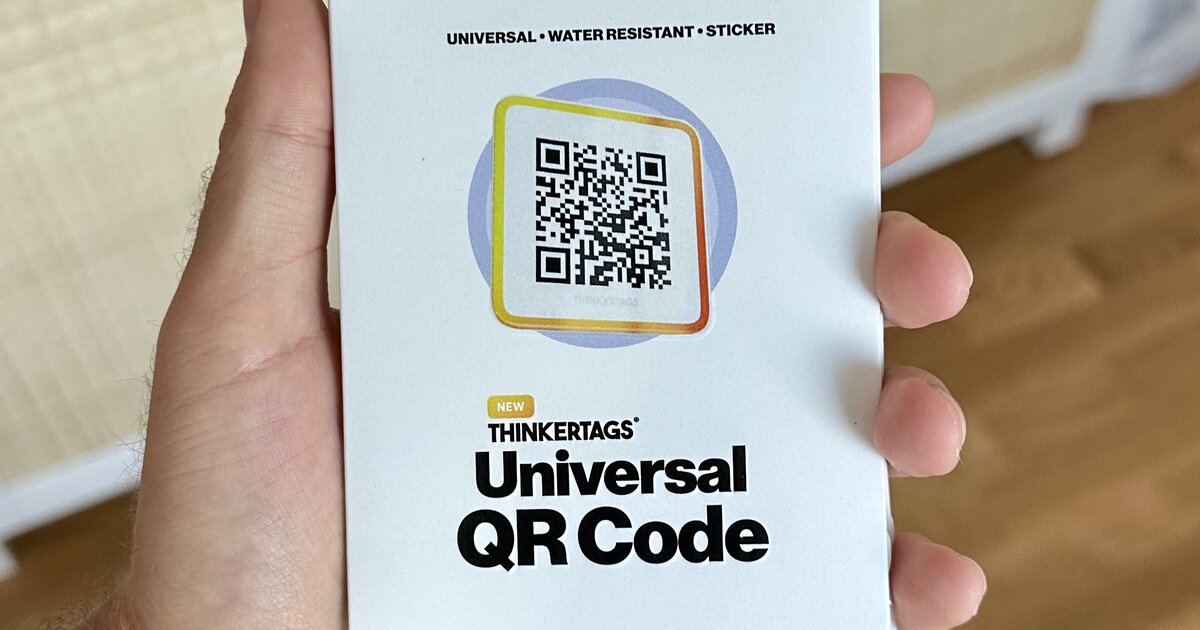

The most important
- Quality matters - Waterproof, durable QR code stickers outlast paper alternatives by years and maintain scan reliability in harsh conditions
- Dynamic beats static - Dynamic QR codes make great sense, especially if you need QR codes in sticker format. But there are important hidden aspects to understand
- No surprises - Dynamic QR codes need reliable infrastructure—avoid services that can lock you behind paywalls, shut down unexpectedly, or hold your codes hostage with subscription changes
Do you need QR codes for your home or business? Print your own? Order pre-made? Static or dynamic? In this article we cover all the most important things to know!
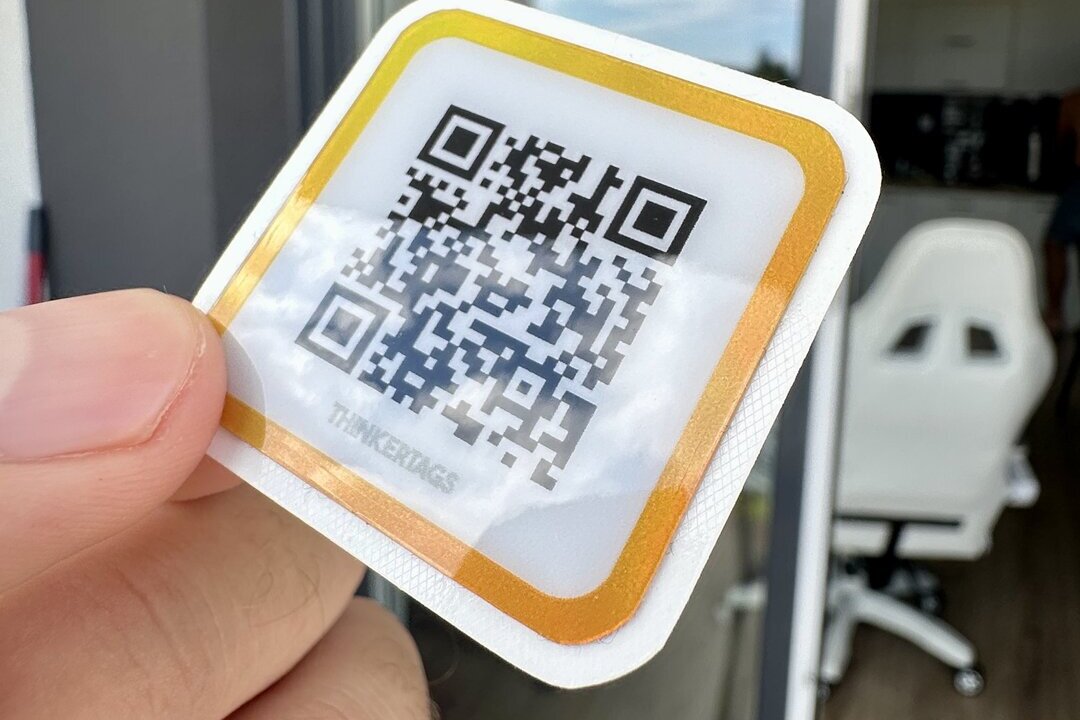
Why Real Sticker Material Matters vs Paper Printouts
Many businesses try printing QR codes on paper or cheap labels. This fails fast. Here's why real sticker material makes the difference:
Durability - Paper QR codes fade and peel within weeks. Real vinyl stickers withstand rain, sun, and temperature swings for years.
Scanning reliability - Paper absorbs ink and wrinkles, making scans fail. Professional waterproof QR code stickers stay crisp and scan instantly every time.
Ready to use - Paper QR codes need cutting, laminating, and constant replacement. Real QR code stickers arrive ready to stick and last.
Dynamic QR Code Stickers vs Static: The Critical Decision
This choice impacts your long-term costs more than any other factor.
Static QR codes are permanent. Once printed, the destination URL is locked. Change your menu? New stickers. Update your product page? Replace everything. Even small businesses end up spending hundreds annually on reprints and labor.
Dynamic QR code stickers use redirect technology. The physical QR code stays the same, but you control where it sends people through a management dashboard. Update destinations instantly without touching the stickers.
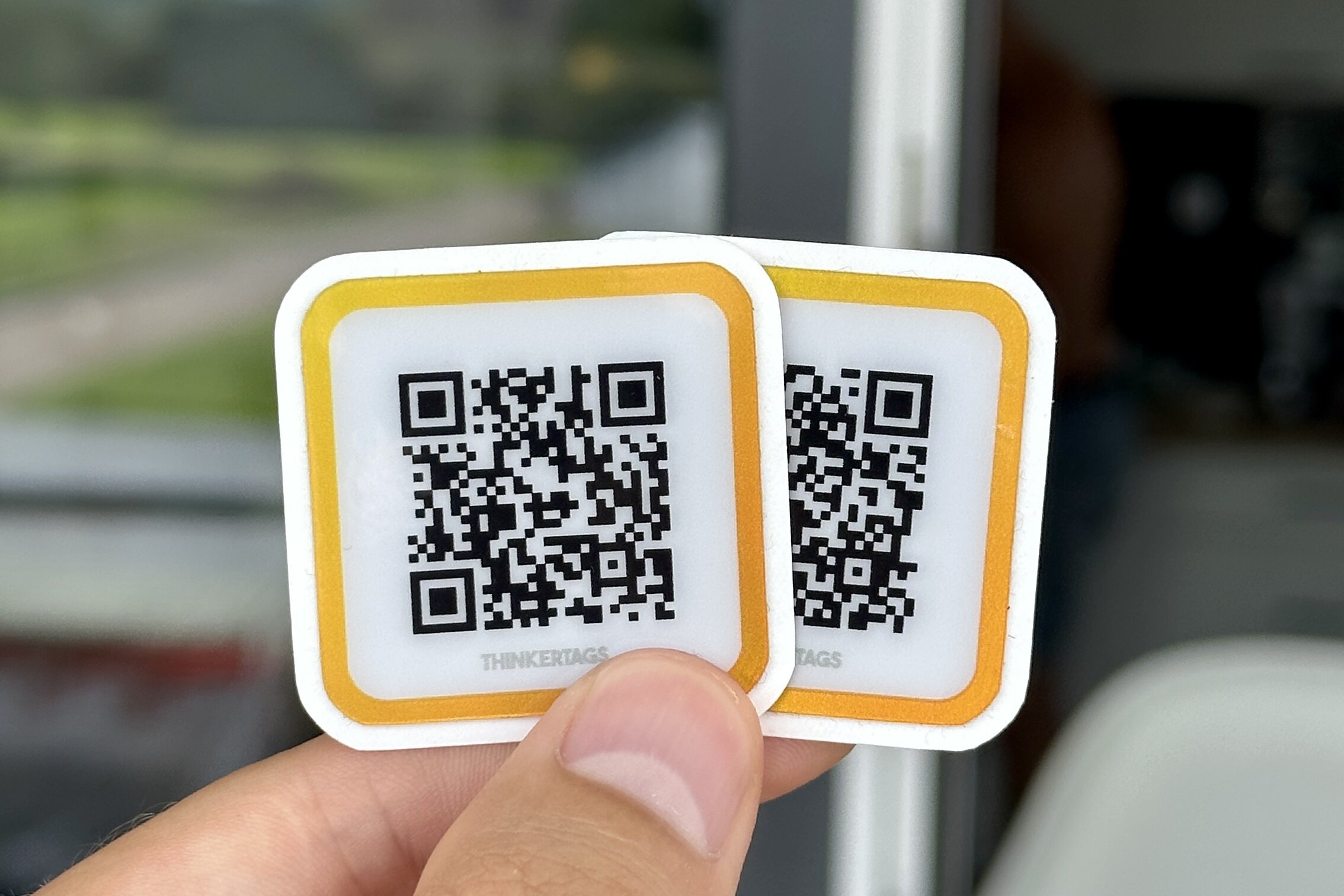
The math is clear. Static QR codes cost $0.50-2 per sticker but require frequent replacement. Dynamic QR codes cost more initially but eliminate reprint costs entirely. For any permanent deployment, buy QR code stickers with dynamic capabilities.
Essential Features for Outdoor QR Code Stickers
Planning to use QR codes outside? Standard stickers will fail. Look for these specifications:
Weather resistance - True waterproof QR code stickers use synthetic materials, not paper. Vinyl and polyester withstand constant moisture. Lamination helps but isn't enough alone.
UV protection - Sun degrades ink rapidly. Outdoor QR codes need UV-resistant printing to prevent fading. After six months of sun exposure, unprotected QR codes become unscannable.
Adhesive strength - Temperature swings cause standard adhesives to fail. Durable QR codes use permanent adhesive rated for outdoor use. The sticker must bond to metal, wood, plastic, and glass equally well.
Temperature tolerance - Quality outdoor QR code stickers handle extreme conditions, from freezing winters to hot summer surfaces. Look for materials rated for outdoor temperature variations.
How to Order QR Codes: Quality Indicators
Not all QR code sticker suppliers are equal. Here's what separates premium providers from budget options:
Material transparency - Reputable sellers specify exact materials. "Premium vinyl" means nothing without thickness measurements and weatherproofing details. Look for mil thickness ratings and specific adhesive types.
Scanning guarantees - High-quality QR codes come with scanning distance specifications. Professional stickers should scan from 8-10 inches minimum. Cheap QR code stickers often require users to get uncomfortably close.
Sample availability - Before ordering QR codes in bulk, request samples. Test outdoor durability by exposing samples to water, heat, and scratching. Premium QR code stickers survive these tests easily.
Management platform - For dynamic QR code stickers, evaluate the control dashboard. You'll use this to update destinations, track scans, and manage your QR code fleet. A clunky interface creates ongoing frustration.
When You Need QR Codes for a Whole Fleet
Managing dozens or hundreds of QR codes shifts the priorities. It's about operational management and team efficiency.
One place to manage everything - With equipment across multiple locations, a unified dashboard allows anyone on your team to update a destination in seconds, regardless of where the sticker is located.
Team access - Multiple people need to be able to manage your QR codes. When something requires an update, your colleagues can handle it directly.
Organization at scale - With 50+ QR codes, a unified system lets you see your entire operation at a glance, search for specific codes, and make bulk updates.
Companies that succeed prioritize centralized management. The time saved justifies the investment.
Common QR Code Sticker Mistakes to Avoid
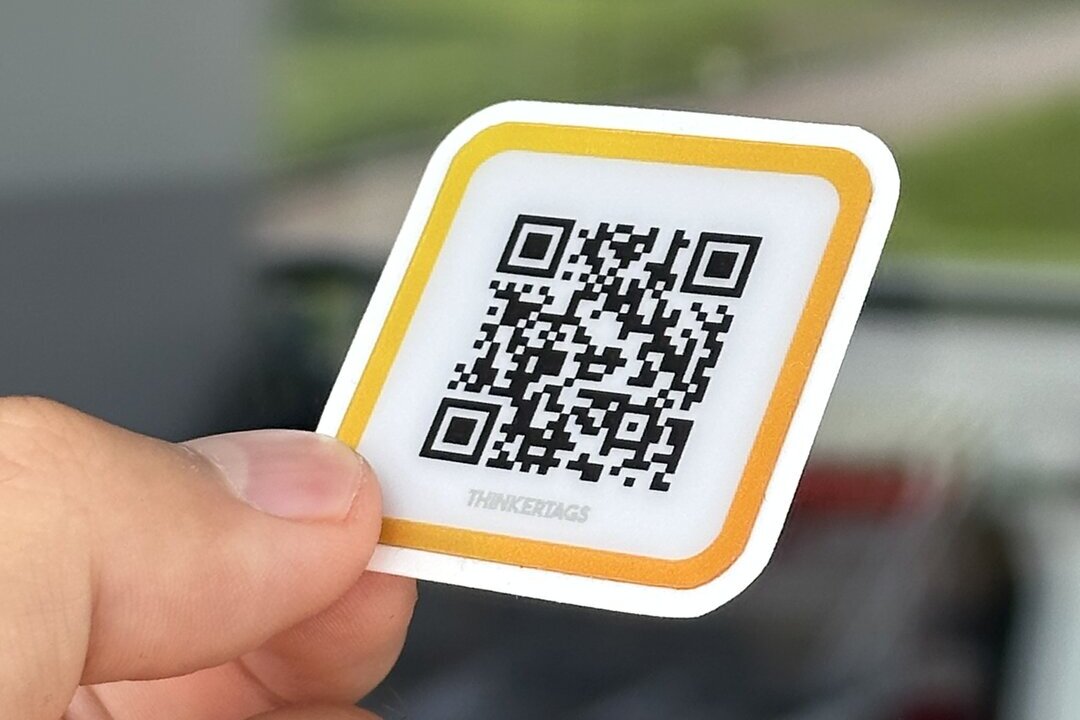
Size errors - Too small and users struggle to scan. Too large wastes space. For most applications, 1.4 inch (35mm) square QR codes provide the best balance.
Poor contrast - Light QR codes on light backgrounds fail constantly. Always use high-contrast combinations. Black on white remains the most reliable.
Missing context - A QR code without explanation gets ignored. Add brief text like "Scan for menu" or "Get product details" to increase scan rates by 40-60%.
Wrong placement - QR code stickers need proper lighting and accessible angles. Behind glass creates glare issues. Too high and shorter users can't scan comfortably.
Forgetting testing - Always test QR codes with multiple phone types before mass deployment. iOS and Android cameras have different scanning tolerances.
Premium QR Code Sticker Features Worth Paying For
Several advanced features justify higher costs for serious deployments:
Rugged QR codes - Industrial environments need extreme durability. Premium options resist chemicals, abrasion, and impact beyond standard waterproof ratings.
Custom sizes - Standard squares work for most cases, but custom dimensions suit specific applications better. Die-cut shapes increase visual appeal at events.
Holographic finishes - For premium products, holographic QR code stickers add perceived value while maintaining scannability.
Tamper-evident options - Security-sensitive applications benefit from QR code stickers that show visible damage when removed.
Analytics integration - Advanced dynamic QR codes provide detailed scan analytics, including time, location, device type, and conversion tracking.
Thinkertags Stickers
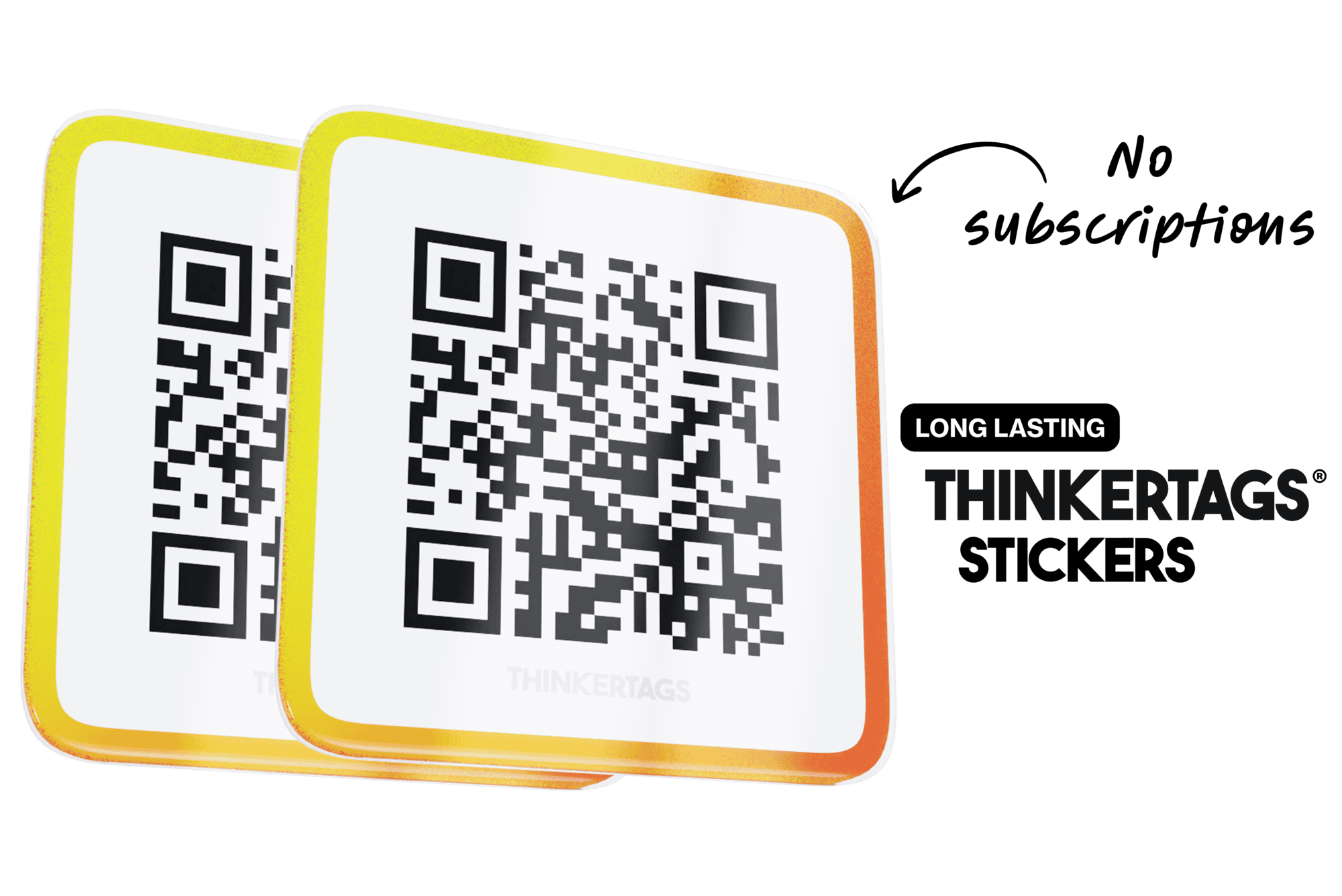
Our mission is to make beautiful and scratch resistant stickers with NFC that elevate your brand, are updatable and last a long time.
 Shipping today




Our mission, tags that you will love.

Making the Final Decision: When to Buy QR Code Stickers
The right time to invest in premium QR code stickers:
Permanent installations - Restaurant tables, product packaging, facility signage, and equipment labels justify high-quality materials. These placements last years.
Customer-facing applications - When QR codes are part of your customer experience, quality reflects on your brand. Faded or damaged stickers create negative impressions.
High-volume scanning - Popular QR codes get scanned thousands of times. Durability prevents replacement costs and maintains consistent user experience.
Outdoor exposure - Any QR code facing weather needs waterproof construction. This is non-negotiable for reliability.
Dynamic content needs - If your linked content changes monthly or more, dynamic QR code stickers pay for themselves within 6-12 months through eliminated reprint costs.
The Bottom Line
QR code stickers range from cheap paper labels to industrial-grade adhesive solutions. Your choice depends on application requirements, deployment environment, and content update frequency.
For temporary indoor use, basic QR code stickers suffice. For permanent outdoor installations with changing content, invest in waterproof dynamic QR code stickers with proven durability.
The cost difference between basic and premium options is substantial upfront but minimal over time when you factor in replacements, reprints, and management overhead. Buy QR code stickers that match your actual needs, not just your immediate budget.
Professional QR code solutions eliminate the hassles of printing, updating, and replacing failed stickers. They provide the reliability and flexibility serious businesses require.
Ready to order professional QR code stickers? Discover durable, dynamic QR solutions designed for real-world business applications.